
Your MDT#
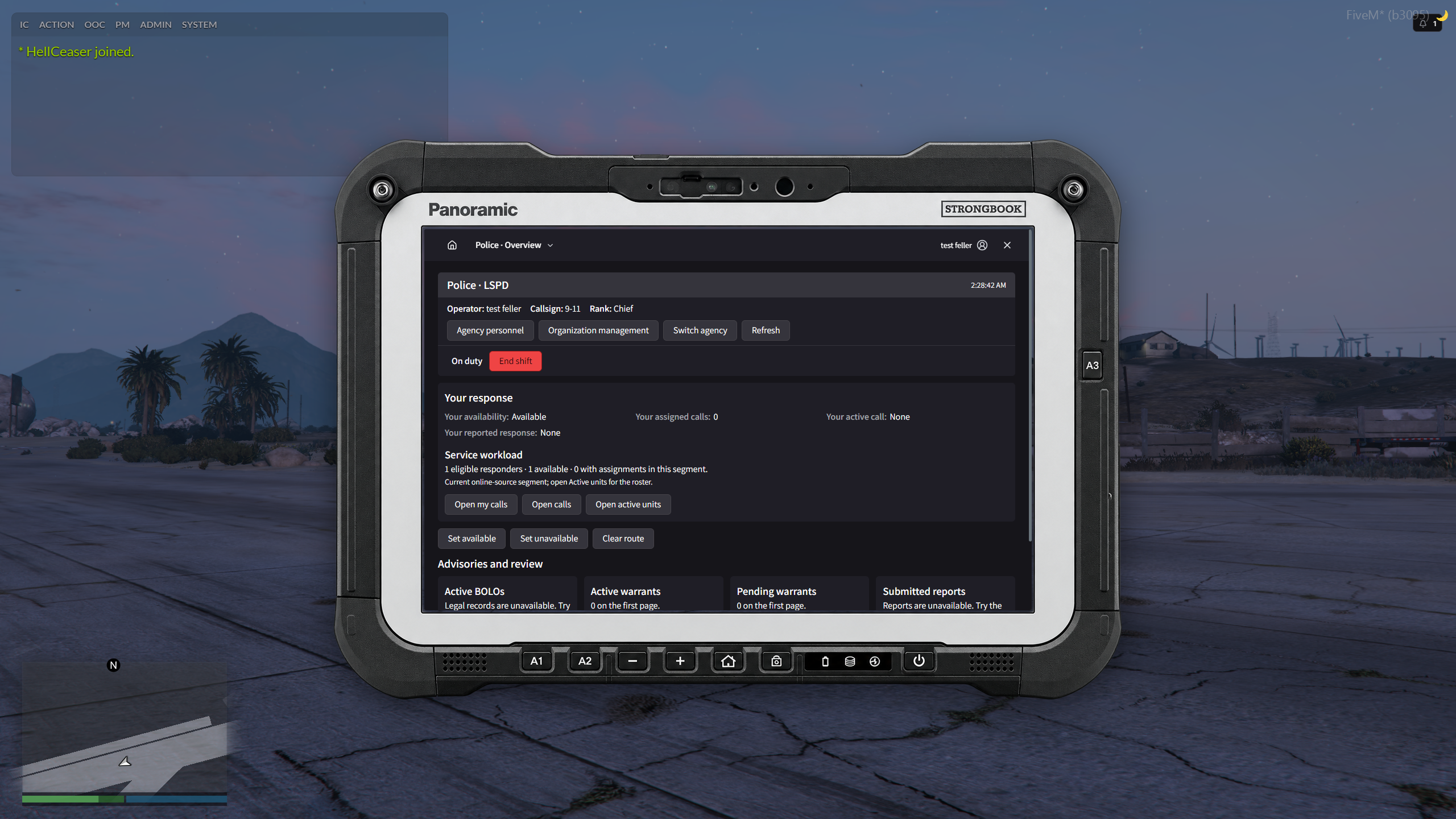
The MDT opens in a rugged in-game tablet. See your current calls, availability and workload from its overview.
Emergency dispatch#
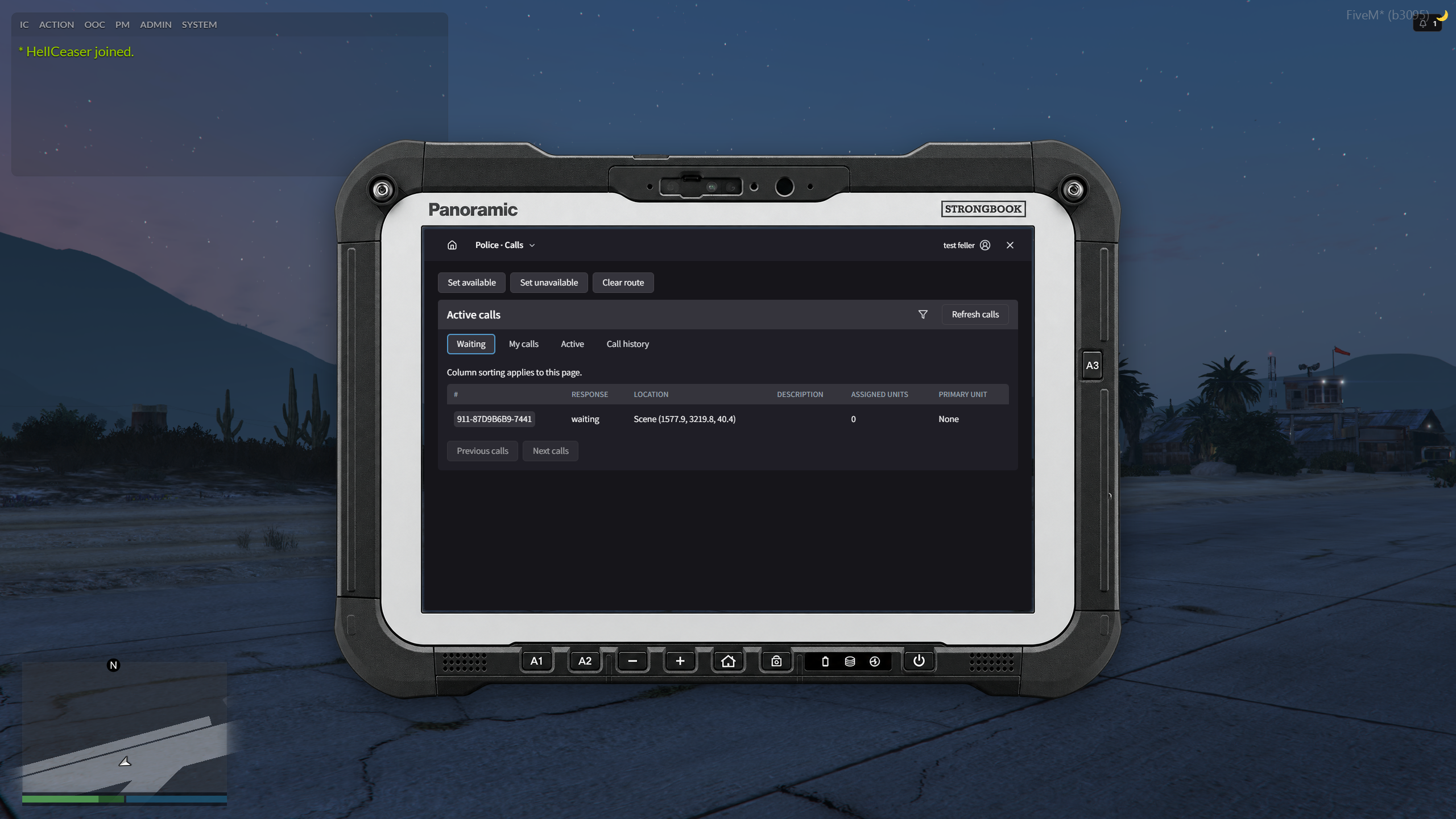
Pick up emergency reports from callers, report when you are en route or on scene, and coordinate with other responding units.
Follow scene updates in the call timeline, navigate to the reported location and open related reports. Call history keeps completed incidents available for reference.
People, vehicles and linked records#
Search person and vehicle dossiers, check active advisories and follow links to related reports.
Police reports and legal records#
Write incident reports and link the people, vehicles, evidence references and casework involved. Police can also document warrants, arrests and bookings.
EMS and Fire documentation#
EMS staff document patient encounters and clinical reports. Fire staff record the incidents they attend. Both can link their documents to the call.
Drafts, review and corrections#
Save a draft, submit it for review and revise it if a reviewer asks for changes. Review queues bring submitted work together.
Document history keeps earlier versions and corrections for reference.